Set up in about a minute
voip.ms servers and recommended settings are built in. Pick your server, enter your sub-account, and you’re calling. Common mistakes are caught before you save, with help in plain English.
For Windows 10 and 11 · Version 1.5.0
IOIHAN Voice turns your Windows PC into a phone. Connect your voip.ms or SIP account, put on a headset, and make and take calls from one small, polished window. Set up in about a minute.
Free Basic edition, no time limit. No installer. Pro is a one-time $20.
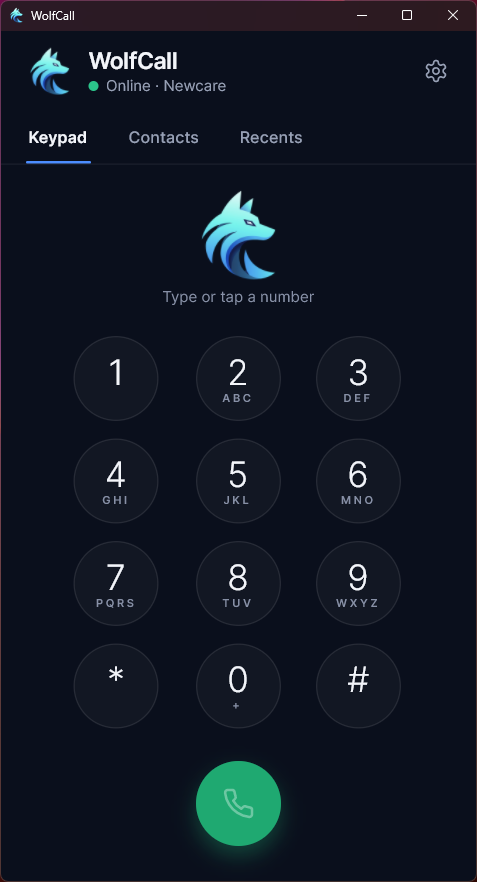
1
Any SIP provider works. We recommend voip.ms: affordable, reliable and fully supported.
2
Run IOIHAN Voice, pick your server and enter your sub-account. Help next to every field shows where to find it.
3
Calls ring on your PC, even with the window closed. Your provider handles and bills your calls.
IOIHAN Voice is software only. It provides no phone service, numbers or minutes, and no calls pass through us.
Tiny windows you can’t enlarge, cluttered menus, and setup screens full of jargon. IOIHAN Voice was designed from the ground up to be beautiful and functional: easy, simple and intuitive. It does the basics extremely well, and makes them feel premium.
Included in every edition, free.
voip.ms servers and recommended settings are built in. Pick your server, enter your sub-account, and you’re calling. Common mistakes are caught before you save, with help in plain English.
Plug in a headset and IOIHAN Voice switches to it, even in the middle of a call. Or choose your own microphone, speaker and ringer, like ringing on speakers while you talk on a headset.
“Wrong username or password” or “Can’t reach the server”, never a cryptic error code.
Scale the whole window, text, buttons and keypad, with one setting. Nothing is too small to read.
Runs quietly in the tray and can start with Windows, so calls ring even when the window is closed.
G.722 and Opus HD voice where your provider supports them, and encrypted calls over TLS with SRTP.
A big keypad, paste any number from anywhere, mute, hold, and keypad tones for phone menus and voicemail.
Incoming, outgoing and missed calls are saved on your PC, with a missed-call badge and one-click call back.
Change the look of the whole app, including the keypad and background. Every skin comes in light and dark.
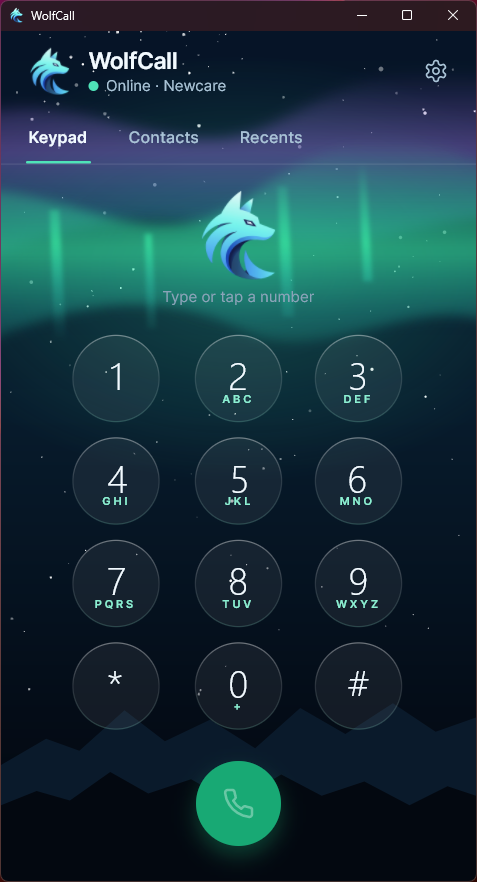
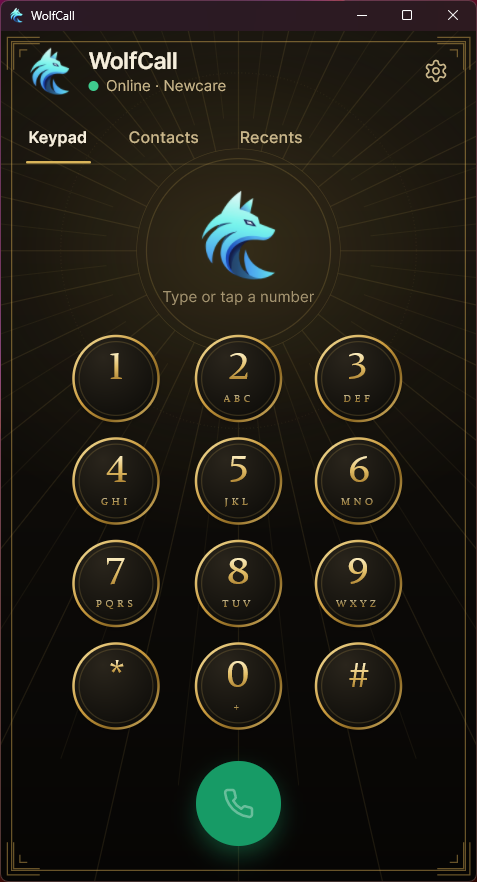
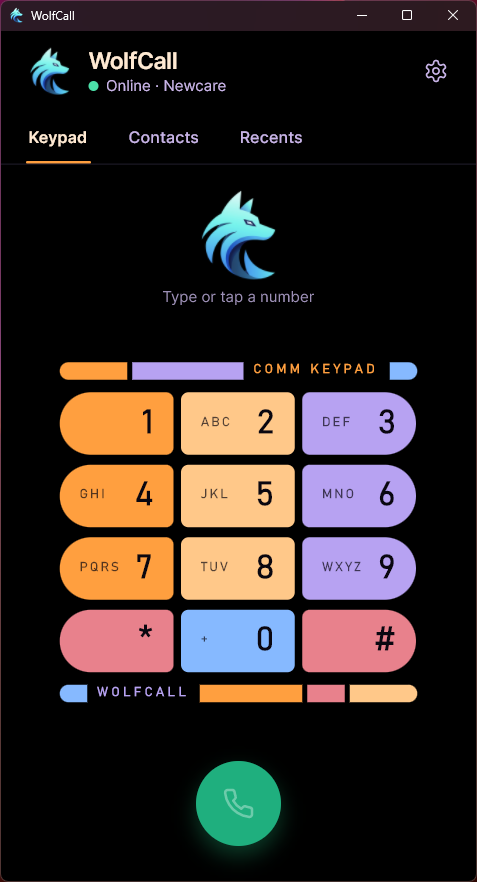
The easiest way to use voip.ms from a Windows desktop. It also works with standard SIP phone systems such as Asterisk, FreePBX and FreeSWITCH.
Buy Pro once and keep it. No subscription.
Free
Everyday calling, no time limit.
$20 one-time
Covers all 1.x updates on 2 PCs.
Activate in Settings → License with the key from your email.
Work and Personal side by side, each with its own name and color. Incoming calls show which line is ringing.
A phone book with favorites, notes and instant search. Names show on incoming calls and in Recents.
Boardroom, Aurora, Monarch and Starbridge, each in light and dark.
Every saved call in Recents, not just the last 30 days.
Contacts, call history and settings stay on your PC. Your password is encrypted by Windows and never logged. No analytics, no ads. The only thing the app sends us is what’s needed to check a Pro license. Read the privacy policy.
No. IOIHAN Voice is software. It does not provide phone service, phone numbers, calling minutes or SIM cards, and no calls pass through us. You connect it to a phone account you already have, such as voip.ms or your company’s phone system, and your provider handles and bills your calls.
Windows 10 or 11 (64-bit), a SIP phone account (voip.ms recommended), and a headset or speakers and a microphone. There’s no installer: IOIHAN Voice is a single program file.
Yes. IOIHAN Voice is a standard SIP client. It also works with SIP phone systems such as Asterisk, FreePBX and FreeSWITCH; choose Generic SIP / PBX as the provider.
Yes, with no time limit. Basic covers everyday calling: making and receiving calls, the keypad, the last 30 days of Recents and one phone account.
Pro is a one-time purchase of $20. It covers every update of version 1 on up to 2 PCs, with no subscription. Your license key arrives by email; paste it into Settings → License → Activate.
Yes. Choose Deactivate this PC on the old one, then activate on the new one. If the old PC is gone, remove it in your customer portal.
Pro checks its license about once a day. Without internet it keeps working for 30 days, and making calls never depends on the license check.
Your contacts, call history and settings stay on your PC, and your phone account password is encrypted by Windows. The app has no analytics or ads.
IOIHAN Voice is not a replacement for a regular phone for emergency calls. Whether 911 works, and whether your location is sent, depends on your provider and internet connection. Keep another way to reach emergency services.